How to build a pastebin website
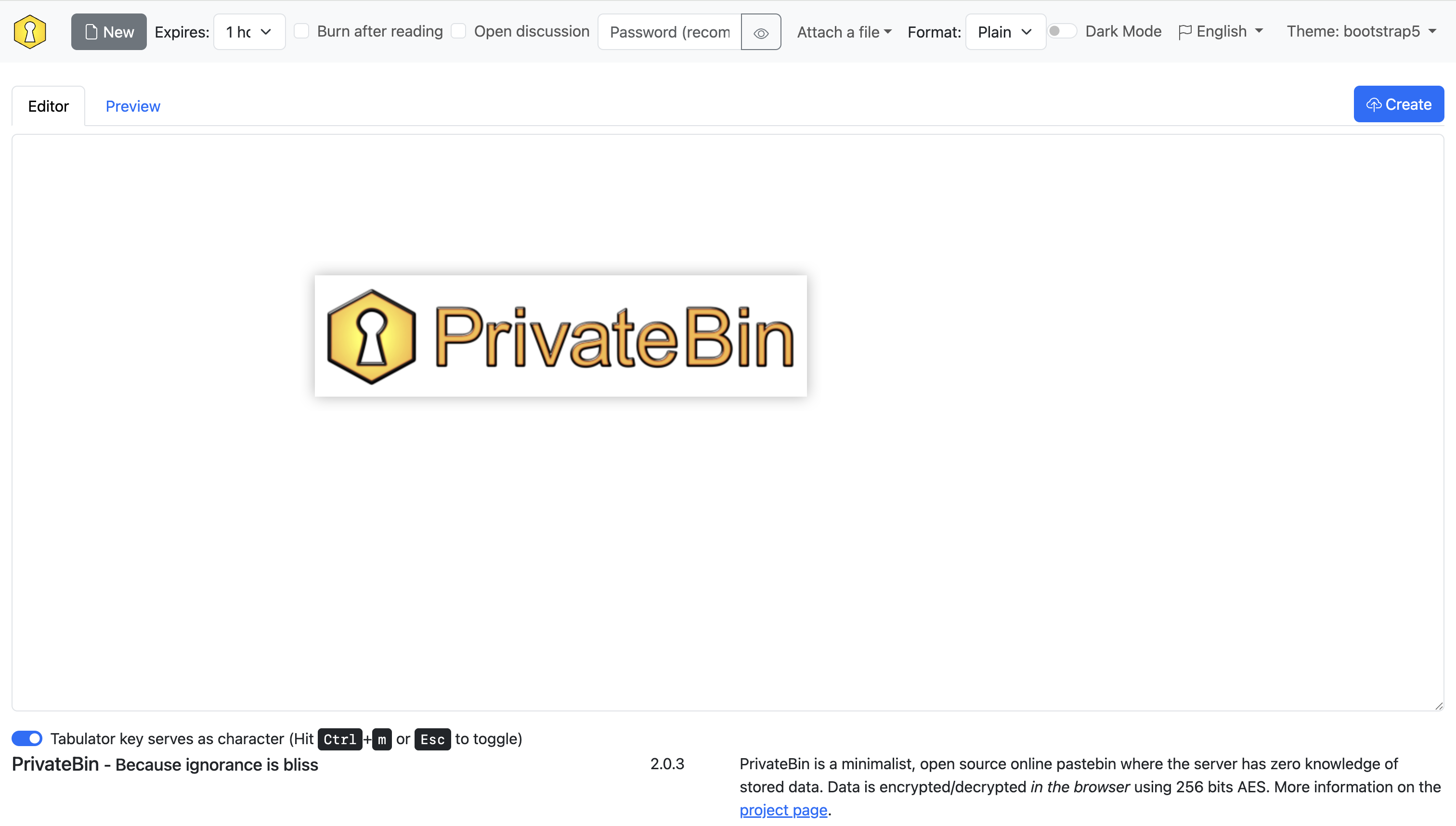
近日给原来的 Pastebin 换了一个服务器,重新部署一遍,正好写一篇教程。
我选择的是 PrivateBin。
这里使用 Docker 来部署。
PrivateBin
新建一个文件夹,然后新建一个 docker-compose.yml。
docker-compose.yml
| services:
privatebin:
image: privatebin/nginx-fpm-alpine
container_name: privatebin
restart: always
ports:
- "8080:8080"
volumes:
- ./data/conf.php:/srv/cfg/conf.php
- ./data/privatebin:/srv/data
|
稍等片刻,我们打开 localhost:8080,就能看到我们的 Pastebin 差不多搭好了,除了一个 HTTPS 的提示。
在 ./data 我们也能看到新出现的文件:conf.php,你可以自己进行一些配置。
没看到 conf.php 怎么办
可以在仓库下载一份 Sample 文件。
wget https://github.com/PrivateBin/PrivateBin/raw/refs/heads/master/cfg/conf.sample.php
HTTPS
接下来我们把 HTTPS 给打开,需要一个域名。
这里我使用了 Nginx 和 Certbot 获取证书。
首先要编辑一下 docker-compose.yml,加入 Nginx 和 Certbot。
这里可以把 privatelink 里面的 ports: ["8080:8080"] 删掉了。
docker-compose.yml
 1
 2
 3
 4
 5
 6
 7
 8
 9
10
11
12
13
14
15
16
17
18
19
20
21
22
23
24
25
26
27
28
29
30
31 | services:
privatebin:
image: privatebin/nginx-fpm-alpine
container_name: privatebin
restart: always
volumes:
- ./data/conf.php:/srv/cfg/conf.php
- ./data/privatebin:/srv/data
nginx:
image: nginx:alpine
container_name: nginx
restart: always
ports:
- "80:80"
- "443:443"
volumes:
- ./data/nginx/conf.d:/etc/nginx/conf.d
- ./data/certbot/conf:/etc/letsencrypt
- ./data/certbot/www:/var/www/certbot
depends_on:
- privatebin
- shlink
certbot:
image: certbot/certbot
container_name: certbot
volumes:
- ./data/certbot/conf:/etc/letsencrypt
- ./data/certbot/www:/var/www/certbot
entrypoint: "/bin/sh -c 'trap exit TERM; while :; do certbot renew; sleep 12h & wait $${!}; done;'"
|
然后我们要配置 Nginx。编辑 ./data/nginx/conf.d/default.conf,example.com 换成自己的域名:
default.conf
1
2
3
4
5
6
7
8
9
10
11
12 | server {
listen 80;
server_name example.com;
location /.well-known/acme-challenge/ {
root /var/www/certbot;
}
location / {
return 301 https://$host$request_uri;
}
}
|
再新建一个 ./data/nginx/conf.d/proxy_params:
proxy_params
| proxy_set_header Host $host;
proxy_set_header X-Real-IP $remote_addr;
proxy_set_header X-Forwarded-For $proxy_add_x_forwarded_for;
proxy_set_header X-Forwarded-Proto $scheme;
proxy_connect_timeout 90;
proxy_send_timeout 90;
proxy_read_timeout 90;
client_max_body_size 10m;
|
然后让 Certbot 申请证书,这里填一下邮箱和自己的域名。
docker exec certbot certbot certonly --webroot -w /var/www/certbot --email mail@example.com -d example.com --agree-tos --no-eff-email
成功以后在 Nginx 的 default.conf 里面加上 HTTPS 的 server,填上自己的域名。
default.conf
1
2
3
4
5
6
7
8
9
10
11
12
13
14
15
16
17
18
19
20
21
22
23
24
25
26
27
28 | server {
listen 80;
server_name example.com;
location /.well-known/acme-challenge/ {
root /var/www/certbot;
}
location / {
return 301 https://$host$request_uri;
}
}
server {
listen 443 ssl;
server_name example.com;
ssl_certificate /etc/letsencrypt/live/example.com/fullchain.pem;
ssl_certificate_key /etc/letsencrypt/live/example.com/privkey.pem;
ssl_protocols TLSv1.2 TLSv1.3;
ssl_ciphers HIGH:!aNULL:!MD5;
location / {
proxy_pass http://privatebin:8080;
include /etc/nginx/conf.d/proxy_params;
}
}
|
重启一下这个 Docker,就搭建好啦。
Shlink
哎,然后有人用着用着就感觉,这个链接好长啊,能不能缩短一点,对吧。
下面使用 Shlink 和 PrivateBin 的 URL Shortener 功能。
我本来是想用 PrivateBin 自己的 Shlink 接口的,但他这个接口不知道是我出问题了还是怎么样,在这个 Docker 的环境下就用不了。YOURLS 我也懒得试了,有时间的可以自己试一下,这里给出一个 Nginx 的方案,但安全性不是很高,仅供参考了。
首先在 docker-compose.yml 中加上 Shlink:
docker-compose.yml
 1
 2
 3
 4
 5
 6
 7
 8
 9
10
11
12
13
14
15
16
17
18
19
20
21
22
23
24
25
26
27
28
29
30
31
32
33
34
35
36
37
38
39
40
41
42 | services:
privatebin:
image: privatebin/nginx-fpm-alpine
container_name: privatebin
restart: always
volumes:
- ./data/conf.php:/srv/cfg/conf.php
- ./data/privatebin:/srv/data
shlink:
image: shlinkio/shlink:stable
container_name: shlink
restart: always
environment:
- DB_DRIVER=sqlite
- DEFAULT_DOMAIN=example.com
- IS_HTTPS_ENABLED=true
volumes:
- ./data/shlink:/etc/shlink/data
nginx:
image: nginx:alpine
container_name: nginx
restart: always
ports:
- "80:80"
- "443:443"
volumes:
- ./data/nginx/conf.d:/etc/nginx/conf.d
- ./data/certbot/conf:/etc/letsencrypt
- ./data/certbot/www:/var/www/certbot
depends_on:
- privatebin
- shlink
certbot:
image: certbot/certbot
container_name: certbot
volumes:
- ./data/certbot/conf:/etc/letsencrypt
- ./data/certbot/www:/var/www/certbot
entrypoint: "/bin/sh -c 'trap exit TERM; while :; do certbot renew; sleep 12h & wait $${!}; done;'"
|
然后获取 Shlink 的 API Key
docker exec -it shlink shlink api-key:generate
接下来编辑 Nginx 的 default.conf,填上 API Key:
default.conf
 1
 2
 3
 4
 5
 6
 7
 8
 9
10
11
12
13
14
15
16
17
18
19
20
21
22
23
24
25
26
27
28
29
30
31
32
33
34
35
36
37
38
39
40
41
42
43 | server {
listen 80;
server_name example.com;
location /.well-known/acme-challenge/ {
root /var/www/certbot;
}
location / {
return 301 https://$host$request_uri;
}
}
server {
listen 443 ssl;
server_name example.com;
ssl_certificate /etc/letsencrypt/live/example.com/fullchain.pem;
ssl_certificate_key /etc/letsencrypt/live/example.com/privkey.pem;
ssl_protocols TLSv1.2 TLSv1.3;
ssl_ciphers HIGH:!aNULL:!MD5;
location = / {
proxy_pass http://privatebin:8080;
include /etc/nginx/conf.d/proxy_params;
}
location = /shorten.php {
proxy_pass http://shlink:8080/rest/v3/short-urls/shorten?apiKey=xxxxxxxx-xxxx-xxxx-xxxx-xxxxxxxxxxxx&format=txt&longUrl=$arg_link;
include /etc/nginx/conf.d/proxy_params;
}
location ~* ^/(css|js|img|webfonts|robots.txt|favicon.ico|manifest.json) {
proxy_pass http://privatebin:8080;
include /etc/nginx/conf.d/proxy_params;
}
location / {
proxy_pass http://shlink:8080;
include /etc/nginx/conf.d/proxy_params;
}
}
|
然后在 conf.php 中设置,这里可以打开 shortenbydefault。
conf.php
82
83
84
85
86
87
88
89
90 | ; (optional) URL shortener address to offer after a new document is created.
; It is suggested to only use this with self-hosted shorteners as this will leak
; the documents encryption key.
urlshortener = "${basepath}shorten.php?link="
; (optional) Whether to shorten the URL by default when a new document is created.
; If set to true, the "Shorten URL" functionality will be automatically called.
; This only works if the "urlshortener" option is set.
shortenbydefault = true
|
重启一下这个 Docker,就完成啦。